
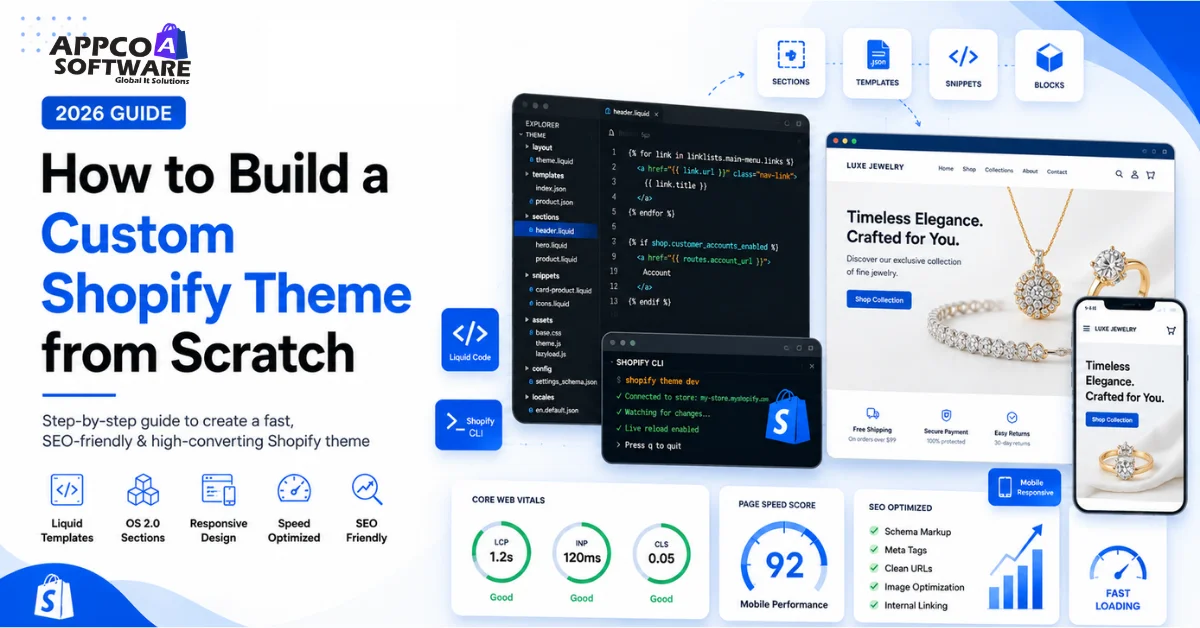
Building a custom Shopify theme covers a lot of things at the same time. For example, you need to work on Shopify CLI setup, Liquid templates, OS 2.0 sections, Core Web Vitals fixes, and a full round of testing for SEO, speed, and mobile before anything goes live.
Spend ten minutes browsing random Shopify stores, and you will notice something. They all feel the same. The homepage, the product pages, and the way things are laid out when you scroll. Most brands grab a popular theme from the Shopify store, put their logo on it, and call it done. Nothing wrong with that early on.
But here is where things get tricky. Your brand grows. Your products multiply. Your customers start expecting more. And suddenly, that ready-made theme you picked in month one starts holding you back. The product pages feel generic. The speed is average. The design no longer effectively conveys who you are as a brand.
That is when going custom starts making real sense.
So in this Shopify theme development guide, we are going to cover exactly that. If you want to build a custom Shopify theme from scratch and have no idea where to begin, here you go. We will go through the setup, the folder structure, customization, and optimization.
A custom Shopify theme is a Shopify store design created specially for your brand instead of depending fully on ready-made templates. Sometimes developers build it completely from scratch. Sometimes they heavily modify a base theme according to business requirements.
With custom Shopify theme development, you get much more control over design, sections, mobile experience, speed, and customer flow. You are not restricted by the limitations of pre-built theme code anymore.
Many businesses move toward Shopify custom storefront development when the brand starts growing, and the default Shopify themes no longer handle the experience properly. This normally happens when you need custom sections, advanced product layouts, better speed, or a stronger brand identity across the store.
If you are planning a custom Shopify store, you can also check our Shopify theme development services. You can directly connect with the team for guidance or project discussion.
Shopify theme development 2026 is driven by real performance data. Pages loading in 1 second convert 2.5x more than pages loading in 5 seconds. Every 100ms of extra load time drops conversions by 1.1%. With 70%+ of Shopify traffic coming from mobile, a slow or generic theme is a direct revenue problem.
Custom themes also reduce app dependency. The average Shopify store installs 6 paid apps at roughly $20 each per month. A well-built custom theme can eliminate 3 to 4 of those, saving $720 to $960 per year.
Is custom Shopify theme development worth it? Yes, if your store generates consistent monthly revenue and your pre-built theme limits growth through slow speed, poor mobile UX, or a lack of custom functionality.
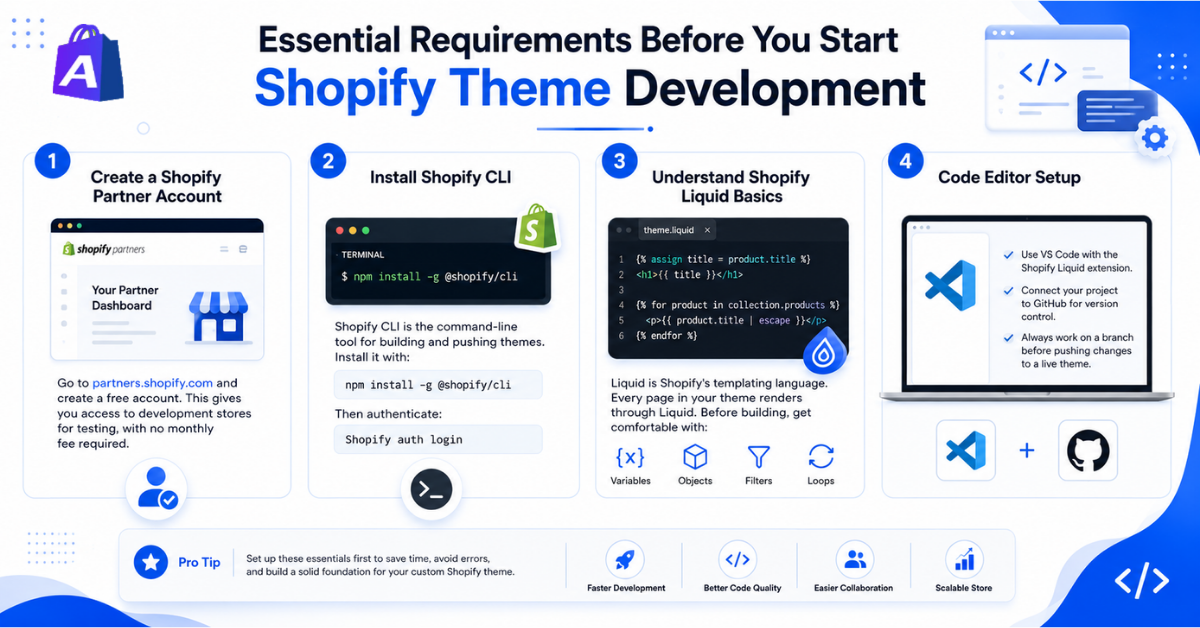
Go to partners.shopify.com and create a free account. This gives you access to development stores for testing, with no monthly fee required.
Shopify CLI is the command-line tool for building and pushing themes. Install it with:
npm install -g @shopify/cli
Then authenticate:
Shopify auth login
Liquid is Shopify’s templating language. Every page in your theme renders through Liquid. Before building, get comfortable with variables, objects, filters, and loops.
Use VS Code with the Shopify Liquid extension. Connect your project to GitHub for version control. Always work on a branch before pushing changes to a live theme.
Read More – Top 10 Ecommerce Website Design Trends for 2026
The Shopify theme structure explained simply:
theme/
├── layout/ ← theme.liquid (master layout)
├── templates/ ← page-specific JSON or Liquid files
├── sections/ ← reusable content blocks
├── snippets/ ← small reusable code pieces
├── assets/ ← CSS, JS, images
├── config/ ← settings_schema.json
└── locales/ ← translation files
Common Developer Mistakes
Also Read – Shopify Store Redesign Services Guide
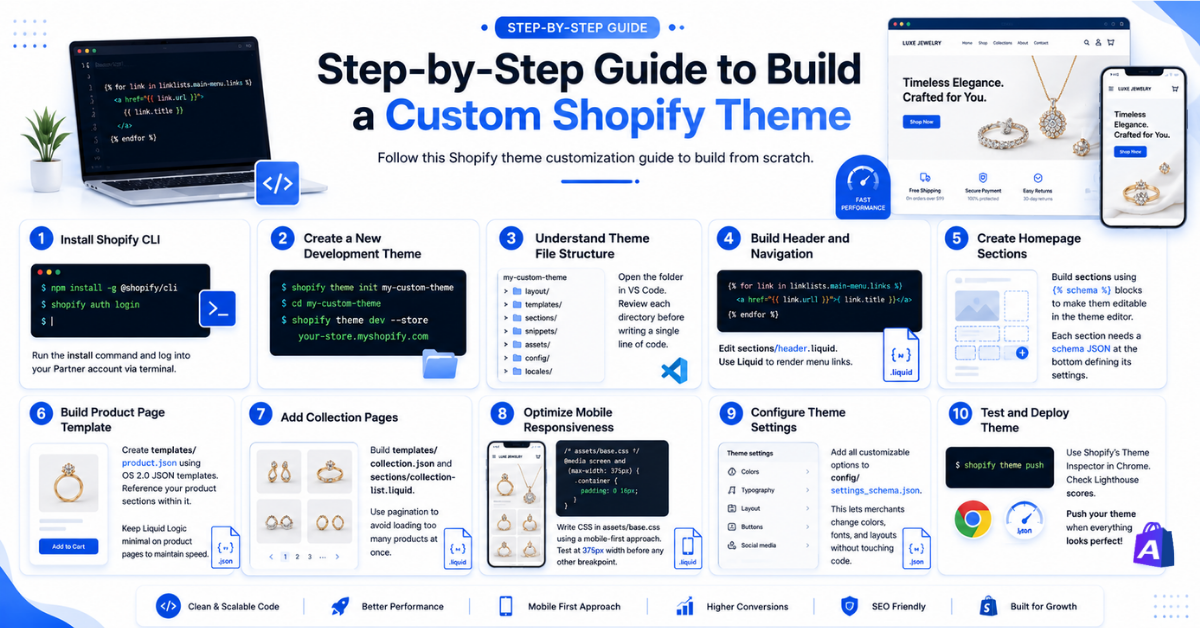
Follow this Shopify theme customization guide to build from scratch.
{% for link in linklists. main-menu.links %}
<a href=”{{ link.url }}”>{{ link.title }}</a>
{% endfor %}
Build sections using {% schema %} blocks to make them editable in the theme editor. Each section needs a schema JSON at the bottom defining its settings.
Create templates/product.json using OS 2.0 JSON templates. Reference your product sections within it. Keep Liquid Logic minimal on product pages to maintain speed.
Build templates/collection.json and sections/collection-list.liquid. Use pagination to avoid loading too many products at once.
Write CSS in assets/base.css using a mobile-first approach. Test at 375px width before any other breakpoint.
Add all customizable options to config/settings_schema.json. This lets merchants change colors, fonts, and layouts without touching code.
Use Shopify’s Theme Inspector in Chrome. Check Lighthouse scores. Push with:
Shopify theme push
Read More – How Website Redesign Services Can Increase Your Sales in 2026?
This Shopify liquid theme tutorial covers the five elements you use most:
Liquid is not hard to learn. If you know basic HTML and have written simple scripts before, you can pick it up in a weekend.
Read More – Choose the Right Shopify Design Agency
Use all three. Stores still using legacy Liquid-only templates miss out on the flexibility OS 2.0 provides.
Also Read – Cost of Custom Shopify Development and Design
SEO friendly Shopify theme development covers more than meta tags. Here is what matters in 2026:
Our Shopify SEO services can audit your theme for all of these after development is complete. If you are not sure where to start, you can book a consultation with one of our Shopify experts right away.
Theme speed optimization is the single highest-ROI action after launch. A store improving from a 4-second to a 2-second load time can expect 14 to 20% more revenue from the same traffic.
Speed checklist:
Run Lighthouse before and after. Target a mobile PageSpeed score above 75. Our Shopify speed optimization team averages sub-2-second load times on custom builds.
Read More – eCommerce Website Designs That Boost Sales
Also Read – Top Mistakes to Avoid When Using Animated Shopify Themes
For custom Shopify theme vs premade theme decisions: if you are generating over $20,000 per month, a custom theme pays for itself through better conversion rates and reduced app costs within 6 to 12 months.
| Feature | Custom Theme | Premium Theme |
| Flexibility | High | Medium |
| Speed | Better | Moderate |
| SEO | Better | Limited |
| Cost | Higher | Lower |
| Build Time | 2 to 8 weeks | 1 to 3 days |
| App Dependency | Low | High |
Read More – Custom Website vs Template Website
Custom Shopify theme development cost depends on so many things. But in general, it ranges from ₹50,000 to ₹2,00,000 depending on complexity. This also includes design, development, and testing.
| Development Type | Estimated Cost |
| Freelancer | ₹50,00 to ₹1,50,000+ (depending on the customization, UI/UX & features) |
| Shopify Agency | ₹50,000 to ₹2,00,000+ (depending on the customization, UI/UX & features) |
| Enterprise / Shopify Plus | ₹3,00,000 to ₹15,00,000+ (depending on the customization, UI/UX & features) |
You should think about hiring a Shopify development company when your store has already started generating regular sales, but your current theme starts creating limitations.
Sometimes the design is too restrictive. Sometimes the website becomes slow after adding too many apps. And sometimes you simply need custom features that your existing Shopify theme cannot handle properly.
A Shopify expert agency can save you a huge amount of development time because the team already understands Shopify structure, mobile optimization, speed handling, and conversion-focused layouts.
This becomes even more important if you are running paid ads. Sending traffic to a slow or poorly organized store can waste a big part of your marketing budget very quickly.
And if you are rebuilding an older ecommerce website or moving from another platform, you may also need Shopify store migration support at the same time.
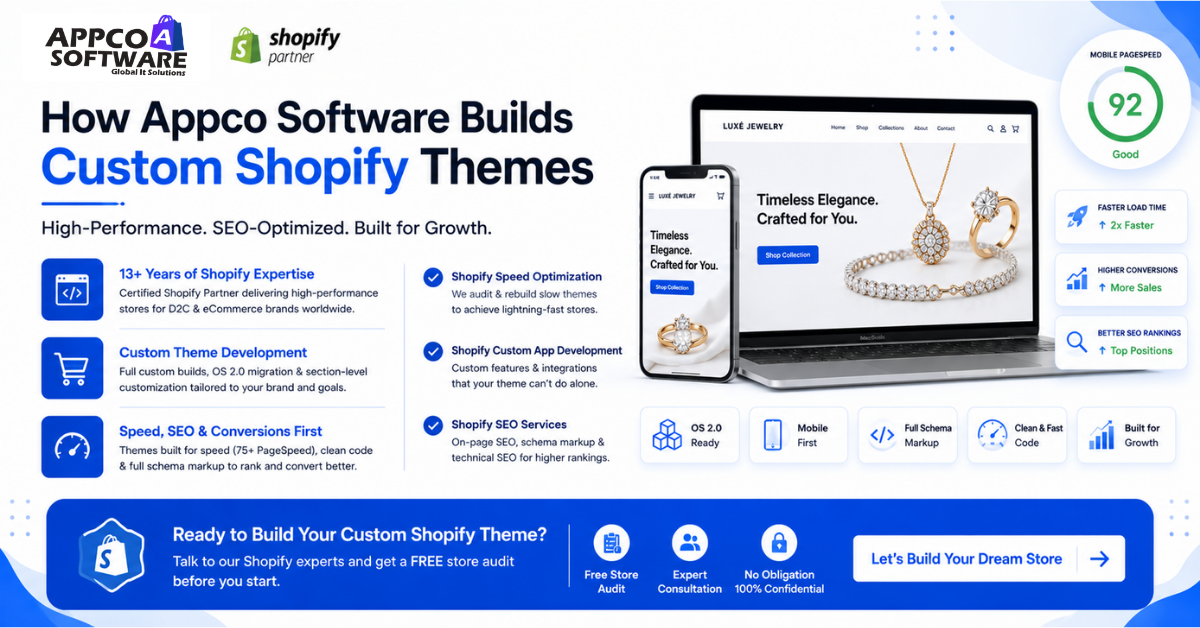
Appco Software is a certified Shopify Partner with 13+ years of experience building high-performance Shopify stores for D2C and eCommerce brands.
Our Shopify theme development services cover full custom builds from scratch, OS 2.0 migration, and section-level customization. Every theme we deliver scores above 75 on mobile PageSpeed and includes full schema markup out of the box.
For stores needing speed improvements, our Shopify speed optimization team audits and rebuilds slow themes. We also handle Shopify custom app development for features your theme cannot support natively, and Shopify SEO services to make your custom theme rank from day one.
If you are ready to build, talk to our Shopify development team and get a free store audit before you start.
If your store setup is simple, the work may finish within a few weeks. Generally, bigger stores with custom sections, advanced features, app connections, and multiple design changes naturally take longer.
For smaller edits, yes. Shopify already gives a theme editor for basic changes. But if you want a full custom theme from the beginning, coding knowledge is very important in that case.
Most developers with basic frontend knowledge understand Shopify Liquid quite comfortably after some practice. It is not as complicated as many people expect in the beginning.
A lot of developers prefer starting with Dawn because the theme structure is very optimized and beautiful. It is also very easy to manage during custom development.
There is no fixed pricing because every store requirement is different. Smaller projects cost less, while larger custom stores with advanced functionality and custom design naturally need a bigger budget.
Yes, most developers recommend it now. Shopify OS 2.0 gives better flexibility for sections, app integration, and future customization compared to older Shopify theme structures.
Error: Contact form not found.

Appco Software has been around for a very long time, helping startups and established brands build iconic websites and apps. For your unique idea to be presented in a beautiful way, contact us now!