As an eCommerce business owner, you must know that if your Shopify store takes more than 3 seconds to open, almost half of your visitors leave before it even opens. That’s not just a random number; it’s what every eCommerce study has been shouting for years. And honestly, it’s true. People don’t wait online anymore. Speed is everything in the eCommerce business. A fast store gets more clicks, better SEO, and higher sales. But when your store starts lagging, your revenue drops — sometimes without you even realizing why.
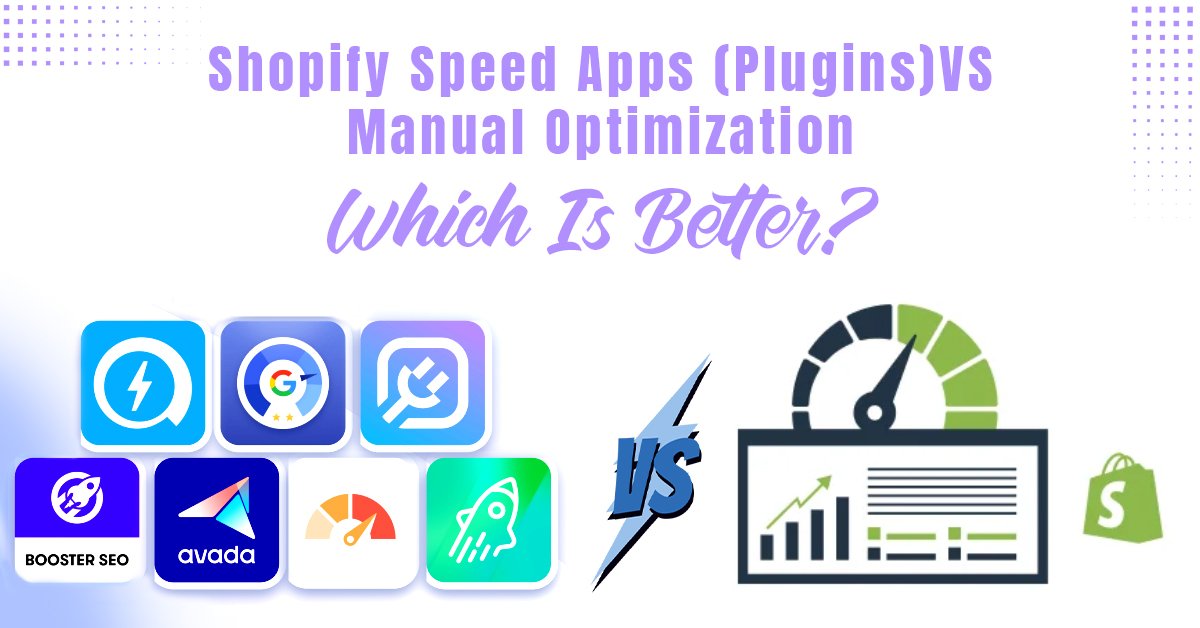
So now, how do you make your Shopify store faster? Some people go for Shopify speed apps or plugins because they’re quick to install and promise instant results. Others prefer manual Shopify speed optimization, where everything is customized and cleaned up by hand for long-term performance. Both of these options are great and give you the results. But not in the same way. One is easy and automatic. The other takes time but gives you full control.
In this blog, we’ll look at what actually helps improve Shopify site speed, whether using plugins is enough, or if manual tweaks still win in 2026.
When you open a website and it takes forever to load, what do you do? You close it and move on, right? That’s exactly what your customers do too. In fact, if your Shopify store loads even one second slower, your conversion rate can drop by 7–10%. It’s that serious. A slow store doesn’t just lose customers, it also loses Google’s trust. With Google’s Core Web Vitals, speed is now a big ranking factor. The faster your site loads, the better chance it has to appear higher in search results. And when you’re running an online store, being visible is everything.
Now, look at this simple logic. A store that loads in 2 seconds will always sell more than the one that takes 6 because customers don’t like to wait around. Many Shopify brands in India have already seen the difference. After fixing their store speed, some reported up to 30–40% more sales within a few weeks. So, if you’re ignoring performance, you’re actually letting your competitors take away your customers.
Now, let’s talk about the first option, Shopify speed apps, also known as plugins. These Shopify speed plugins, for example, help you improve your store’s loading speed automatically. You can find plenty of them in the Shopify App Store, basically. And most of them do things like compress images, cache data, minify code, or lazy-load content so your pages open faster, for sure.
And you don’t need to know coding or do anything complicated. You have to install the app & set it up once. And then, the speed app optimizes your store on its own. That’s why many beginners love using them. It saves time, especially when you don’t have a developer.
Some popular Shopify speed apps that people often use are NitroPack, Booster Page Speed Optimizer, W3Speedster, and PageSpeed Optimizer. These tools handle everything from image resizing to script optimization. So, even if you’re not tech-savvy, your store can still perform better with just a few clicks.
But there’s another side to this story, though. Every app you install adds extra code and scripts to your site. And ironically, too many speed apps can actually slow your website down. On top of that, most of them come with monthly subscriptions, and the results may not always match the promise.
You can find plenty of Shopify site optimization tools in the App Store that handle speed, cache, and images. So, while Shopify speed apps are good for quick improvements and automation, you still don’t get complete control.
If you really want your Shopify store to run fast and clean, manual optimization is the best way to do it. As a Shopify expert agency, we often help brands with full Shopify performance improvement through manual cleanup and theme optimization. It’s not one of those quick fixes that you get from apps; this one goes deeper. You basically work on the actual code and settings of your store.
Here’s what usually happens in manual work. You compress images, change them into WebP or next-gen formats, minimize JavaScript and CSS, remove unnecessary Liquid code, and clean up your theme. Sometimes you also tweak your server or CDN setup so that your site opens faster everywhere, especially for customers in India. The good thing about this method is that you have full control. You decide what stays and what goes. There’s no extra script running behind the scenes like in most apps. Once your site is optimized properly, it stays fast for a long time, with no need to pay monthly fees or keep adding new tools.
But yes, it’s not something everyone can do alone. You’ll need someone who understands Shopify code and structure. Maybe a developer or an expert. Still, it’s worth it because when your store runs on clean code, it performs better, ranks higher, and gives customers a smoother experience.
At Appco Software, we often help store owners with Shopify performance optimization and full Shopify speed setup. Once the store is optimized manually, it’s faster, lighter, and way more stable; no app can beat that.
Here’s a quick look at Shopify speed vs plugins so you can see which option suits you better.
| Factors | Speed Apps (Plugins) | Manual Optimization |
| Ease of Use | Beginner-friendly | Needs some technical skill |
| Cost | Monthly subscription | One-time or developer fee |
| Customization | Limited | Full control |
| Performance Gain | Moderate | High (if done properly) |
| Maintenance | Needs regular updates | Stable after setup |
| Best For | Small stores or non-tech users | Large or growing stores |
If you look at it closely, both have their place. Shopify speed apps are great when you’re new and just want quick results. You install, run, and forget; it handles basic fixes like image compression and lazy loading. But yes, the downside is that it comes with extra scripts, and after some time, you might feel your site slowing again.
Manual optimization, on the other hand, is like getting your store tuned by an expert. It takes more time and effort. But once done, you don’t have to keep checking every week. Your code stays clean, your site stays fast, and your SEO performance gets better too. So, if you’re running a small Shopify store, plugins are fine to start with. But if your store is growing and you want real long-term results, you should definitely go for manual Shopify speed optimization. We handle both plugin setup for small store owners and full Shopify performance optimization for bigger businesses.
Now, we have learned so many things about speed optimization. But which method should you choose? And to answer this question, we’d say, this thing depends on where you are in your business journey.
If you’ve just started your Shopify store, using speed apps is totally fine. Because the apps are easy, quick, and save you time when you don’t have a tech team. You can set them up in a few clicks, and your site speed will improve instantly. It’s perfect for small business owners who just want something that works without touching the code.
But when your store starts growing, traffic increases, and you add more products, that’s when apps start to fall short. They can’t handle deep-level issues like theme bloat, heavy Liquid code, or unused scripts. For this very reason, many Indian eCommerce businesses choose manual optimization. The manual speed optimization gives you full control, better stability, and faster performance even during peak sales days.
Being a Shopify development company, we have realized that a smart way to handle this is by taking a hybrid approach. You should start small with plugins, monitor your site’s speed. And once you see steady growth, move to manual Shopify speed optimization.
Before we get into technical stuff, here are a few Shopify page speed tips that you should always follow. Once your store becomes fast, don’t stop there; you’ve got to keep it that way. You know how it goes. Everything looks great at first, and then after a few months, the speed drops again.
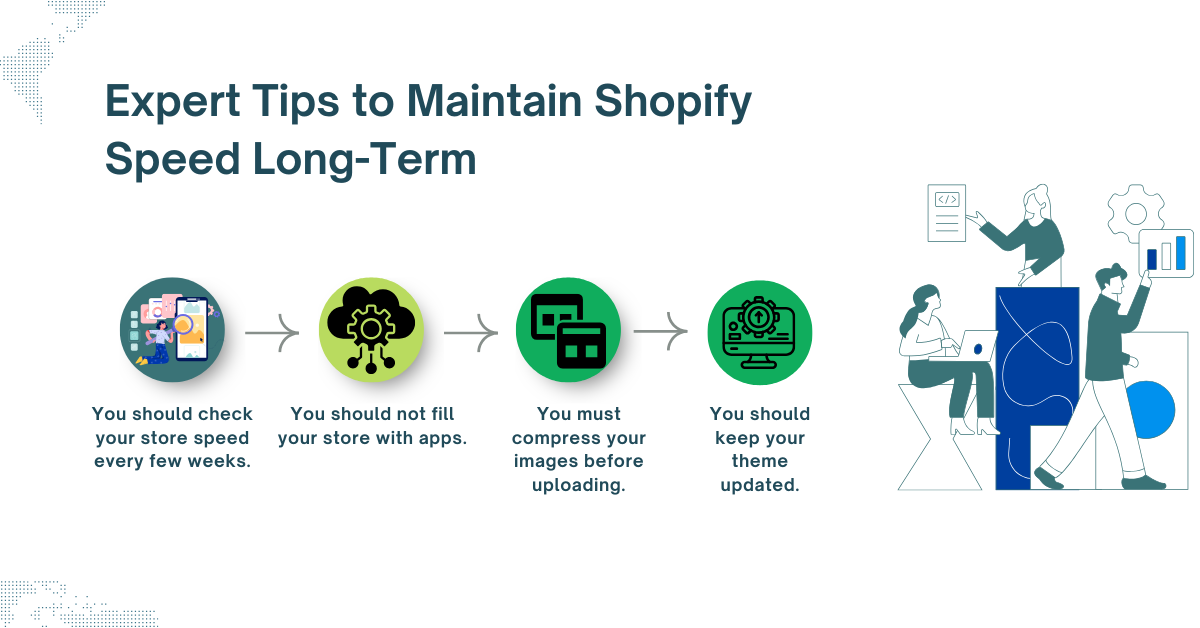
So if you really want your Shopify store to stay smooth, here’s what you should do.
You should open PageSpeed Insights or GTmetrix, put your store link, and see what’s slowing things down. Maybe one image is too big, or one app is taking too much load time. Once you know that, you can resolve it quickly before it gets worse.
Everyone makes this mistake. You try one app, then another, and before you know it, there are ten of them running in the background. Even if you’re not using some, they still affect your speed. So, only keep the ones that are really needed.
Big photos look good, but slow your store down. Before you upload anything, just compress it using TinyPNG or any free online tool. It barely takes a minute and makes your page load faster — your visitors will notice that difference.
Old themes often cause slow loading. When you update, it fixes bugs and improves speed. And if you’ve changed themes before, tell your developer to remove leftover code. That junk code just sits there, slowing your site for no reason.
So, now you know both sides: Shopify speed apps and manual optimization. Apps are quick and easy to set up, and they give you instant results. You just install one, and boom, your site feels faster. That said, you should know these apps mostly work on the surface. Once you stop using them, the same issues come back.
On the other hand, manual optimization goes deeper. You or your developer can clean the code, fix image sizes, reduce unused scripts, and improve loading from the core. It takes time, but the results last much longer. You get full control over how your store performs. If you’re just starting, apps are fine. But if your store is growing, and you really want stable speed and better SEO rankings, go for manual optimization. It’s a one-time job that saves you from ongoing monthly app costs.
If you follow these simple Shopify page speed tips, your site will always stay light and fast. And if you don’t want to deal with all the technical stuff, no worries. Appco Software can handle it for you. You can call us or message us on WhatsApp, and one of our Shopify experts will contact you in no time.
Yes, the Shopify speed apps can help you with the optimization. But only to a point. These can compress images, lazy-load content, and fix small issues. But if your theme or code is heavy, these apps won’t solve that, basically.
If you want quick results, use apps then. But if you want long-term speed and stable performance, go for manual optimization.
Of course, you can. Many store owners start with apps to fix quick issues, then get a developer to optimize the backend later.
You can test your store with PageSpeed Insights, GTmetrix, or Pingdom. Just enter your store link, and you’ll see what’s slowing it down – like images, apps, or code.
Mostly heavy images, too many apps, and unclean theme code. Even unused scripts from old themes or plugins can affect your store’s speed without you noticing, actually.
You don’t need to do it every week. Once every 2-3 months is good. But if you keep adding new apps or products regularly, then test the speed more often, for sure.

Appco Software has been around for a very long time, helping startups and established brands build iconic websites and apps. For your unique idea to be presented in a beautiful way, contact us now!