
Key Highlights: Shopify Plus vs Shopify Advanced
Shopify Plus vs Shopify Advanced is really a choice between scale and control. On one side, Advanced gives a growing store 15 staff accounts, custom reports, and now basic B2B for ₹30,164 a month. Plus, on the other hand, starts at ₹1,75,000 a month, and for that price it adds full checkout control along with expansion stores for new markets.
So the actual question is whether your business has outgrown what Advanced already gives you. That is why, below, we compare both plans with the 2026 changes included. And if you are still planning the store itself, our eCommerce website development team builds on both plans.
The difference between Shopify Plus and Advanced plans is control at scale. Both plans run on the same Shopify core, so your theme and apps carry over when you upgrade. Plus opens the parts Advanced keeps locked, and it raises the limits for bigger teams and heavier traffic.
| Feature | Shopify Advanced | Shopify Plus |
| Monthly price | ₹27,100 to ₹30,164 | From ₹1,75,000 a month |
| Staff accounts | 15 | Unlimited |
| Checkout customisation | Thank you and order status pages | All checkout steps with UI extensions |
| B2B | Up to 3 catalogue | Unlimited catalogs, deposits, partial payments |
| Expansion stores | None | Up to 9 included |
| Launchpad | No | Yes |
| Shopify Functions | Yes | Yes |
| Third-party gateway fee | Higher | 0.2% |
Flow and Functions now run on both plans, so automation alone is no longer a reason to move. The gap now is in checkout control and multi-store setups, and then in the depth of wholesale tools.
Also Read – Cost to Build an eCommerce Platform on Shopify Plus
Shopify Advanced costs ₹30,164 a month on monthly billing, or ₹27,100 a month when you pay yearly. Shopify Plus pricing starts at ₹1,75,000 a month and goes up according to your business requirements.
The base fee is only one part of the bill. Once monthly sales cross a high threshold, Plus switches to a variable fee based on revenue, and Shopify sets that rate in your contract. Plus also charges a lower 0.2% fee on orders paid through a third-party gateway, and at high volume that difference adds up.
Migration brings a one-time cost too. An upgrade from Advanced happens on the same platform, so the budget goes into checkout work and new features. A migration from another platform costs more, because your product data has to move along with redirects for every old URL.
Take the yearly Advanced price against the three-year Plus price, and Plus costs close to eight times more each month. So the upgrade has to earn that difference back through higher conversion or the time your team saves.
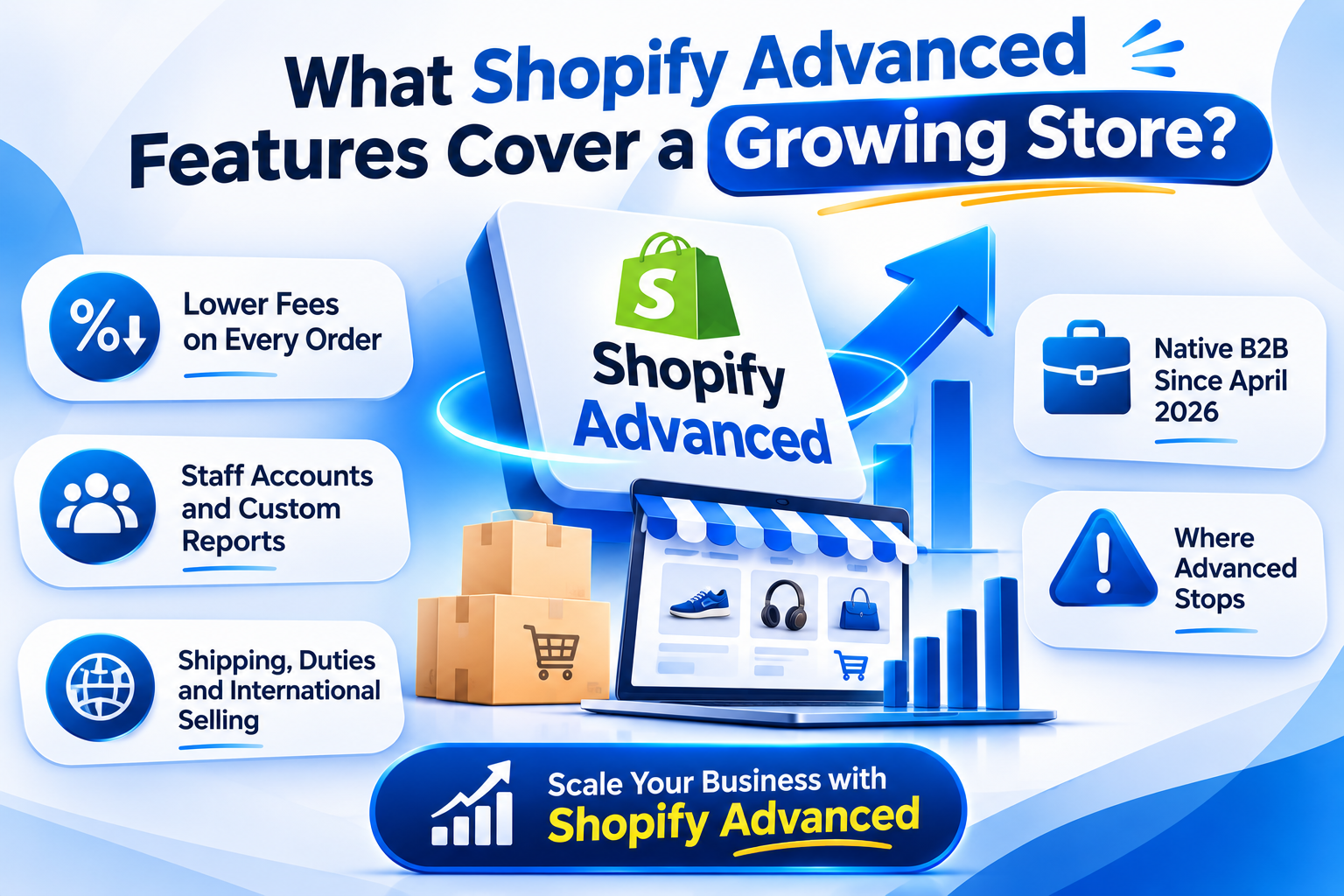
Shopify Advanced features cover a store until its team and order volume grow past a mid-size business. At ₹30,164 a month on monthly billing, or ₹27,100 billed yearly, it is the highest plan below Plus. And it already includes several tools many brands think they need Plus for.
Advanced cuts the fee Shopify takes on each sale. For Indian stores, this matters a lot. Shopify Payments is not available in India, as Razorpay’s 2026 pricing guide confirms, so every Indian store pays through a third-party gateway like Razorpay or PayU.
Shopify then adds its own fee on each of those orders, on top of what the gateway charges. That fee falls from 1% on Grow to 0.6% on Advanced, and then to 0.2% on Plus. So as your monthly sales grow, the lower fee on Advanced starts covering a bigger part of the plan’s cost.
Advanced gives you 15 staff accounts, against 5 on Grow. So your in-house team and your agency can work in the same admin without sharing logins. The custom report builder then lets you create your own reports from store data, so tracking margins or repeat orders does not need a spreadsheet export.
Advanced includes third-party calculated shipping rates, so live carrier rates show up at checkout. It also calculates duties and import taxes for international orders, and your customer pays them at checkout instead of on delivery. On top of that, Shopify Markets handles local currency and pricing for each country from the same store.
Since 2 April 2026, Advanced also includes native B2B at no extra cost. Shopify’s changelog lists company profiles and payment terms, along with volume pricing and up to 3 active catalogs. For a brand with a few wholesale price lists, that is enough to start.
Checkout is where Advanced draws its line. You can add apps and blocks to the thank you and order status pages, but the main checkout steps remain as Shopify designs them. Advanced also allows up to 10 inventory locations, and POS Pro costs extra for each retail location.
Shopify Plus features justify the upgrade when your store needs control that Advanced does not give.
Two changes in 2026 made the gap between the plans smaller. First, B2B moved down to every plan below Plus in April. Second, Shopify Scripts stopped running on 30 June 2026, according to Shopify’s developer changelog.
The B2B change matters for wholesale-heavy brands. Before April, a store needed Plus to sell on account terms at all. Now an Advanced store can run company accounts and volume pricing, and Plus becomes necessary only when you need more than three customer catalogs.
Scripts were a Plus-only tool for custom discount and shipping logic. Shopify Functions replace them now, and Functions run on every plan, including Advanced. So custom rules like tiered discounts or payment conditions need a Function built through an app, and our custom Shopify development services team builds these for both plans.
Shopify’s changelog also notes that editing and publishing new Scripts stopped on 15 April 2026. Any Plus store still running a Scripts discount had until the end of June to rebuild it as a Function or replace it with a public app. Shopify’s Scripts customizations report in the admin shows which ones can move.
Also Read – White Label Shopify Development Services
Shopify Plus vs Shopify Advanced has a simple answer for a growing store. Start on Advanced, and move to Plus when one specific limit blocks you.
Advanced is the better choice when:
Plus is the better choice when:
Revenue alone is a weak trigger for the upgrade. A brand with high sales and simple operations can remain on Advanced for a long time.
A useful test is to list the three changes your team keeps asking for. If two of them need checkout access or a second store, the case for Plus is strong. If they are theme or app changes, Advanced can handle them.
Shopify Plus migration depends on where you start. Before either route, audit the apps on your store, since checkout extensions can replace some of them on Plus. From Advanced, Shopify upgrades the same store, so your products and order history remain in place. The work then goes into checkout extensions and Plus-only features, and our Shopify Plus migration services cover this route.
From WooCommerce or another platform, your data migrates to a new Shopify store, and redirects protect your rankings during the switch. Our team manages this through platform migration to Shopify.
Appco Software is one of the best Shopify Plus development companies in India, and we have been serving online brands since 2013. As a Shopify Partner agency, we have delivered 5,000+ projects for 1,000+ clients in 40+ countries. So whether you remain on Advanced or migrate to Plus, our team can take care of your store from the first setup to steady growth.
Our services include:
If you are not sure which plan suits your store yet, talk to the Appco Software Shopify experts, and we will help you choose the right plan and plan the next step with you.
No, Shopify Plus is rarely worth it if you run a small business. Advanced already gives you reporting and basic B2B at a fraction of the cost, so upgrade only when a real limit blocks your growth.
Shopify Plus pricing in India starts at about ₹1,75,000 a month, and you pay 18% GST on top. Once your sales cross a high threshold, though, you move to a revenue-based fee set in your contract.
Yes, you can get B2B features without Shopify Plus from April 2026. On Advanced, you now get up to 3 catalogs, while unlimited catalogs and deposits still need Plus.
You can downgrade from Shopify Plus to Advanced once your contract term ends. After the switch, however, you lose Plus-only features like checkout extensions and expansion stores.
Migration time to Shopify Plus depends on where you start. If you upgrade from Advanced, it is faster because your store remains the same, whereas moving from another platform needs data transfer and redirect work first.
Shopify Plus does not rank your store higher by itself. In fact, Google treats both plans the same way, so your rankings depend on your content and site speed, which is where Shopify SEO services help.
Error: Contact form not found.