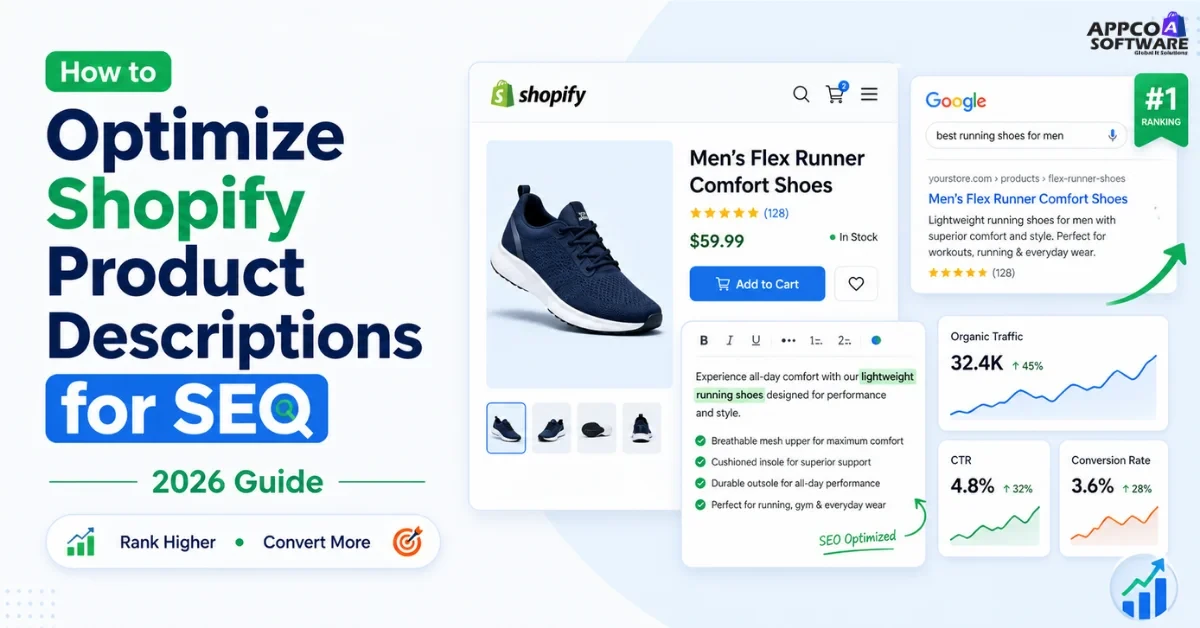
96.55% of websites get zero organic traffic from Google. For Shopify stores, the product page is where most of that traffic is either won or lost. Shopify product descriptions for SEO is the practice of writing product descriptions that rank in search results and convert customers who land on them. Most stores do one or the other. The ones growing organically do both.
If you want to optimize Shopify product descriptions that Google understands and customers trust, this guide covers exactly how – step by step, with a template, a before/after example, and a checklist you can use today.
In simple words, defining product description in SEO means the content on your product page. It tells the user what the product is and why they should buy it. At the same time, it tells Google what your page is about so it can rank it properly.
A weak product description just describes the product. A strong one ranks, convinces, and converts. Shopify product description SEO makes sure both happen. For example, the right keywords for Google and the right benefits for the user.
Read More – Top Free SEO Tools for Auditing & Monitoring Your Website
Improving conversion with product descriptions is not just about writing better lines. It directly affects SEO. When people stay longer on your page, scroll, read, and buy, Google notices. If people open and leave fast, rankings drop.
Now, look at real data. Ecommerce SEO services in India reports show one thing clearly. Stores with proper product descriptions get 30 to 40% more organic traffic. On the other hand, thin or copied content does nothing. Google ignores it.
So here’s what actually helps: clear content, high-intent keywords, useful information. That is what gets ranked.
Our Shopify store development services focus on this from the start. For example: optimized URLs, proper headings, and structured content. And see, Shopify conversion rate optimization begins here. If your product page is not strong, nothing else will work.
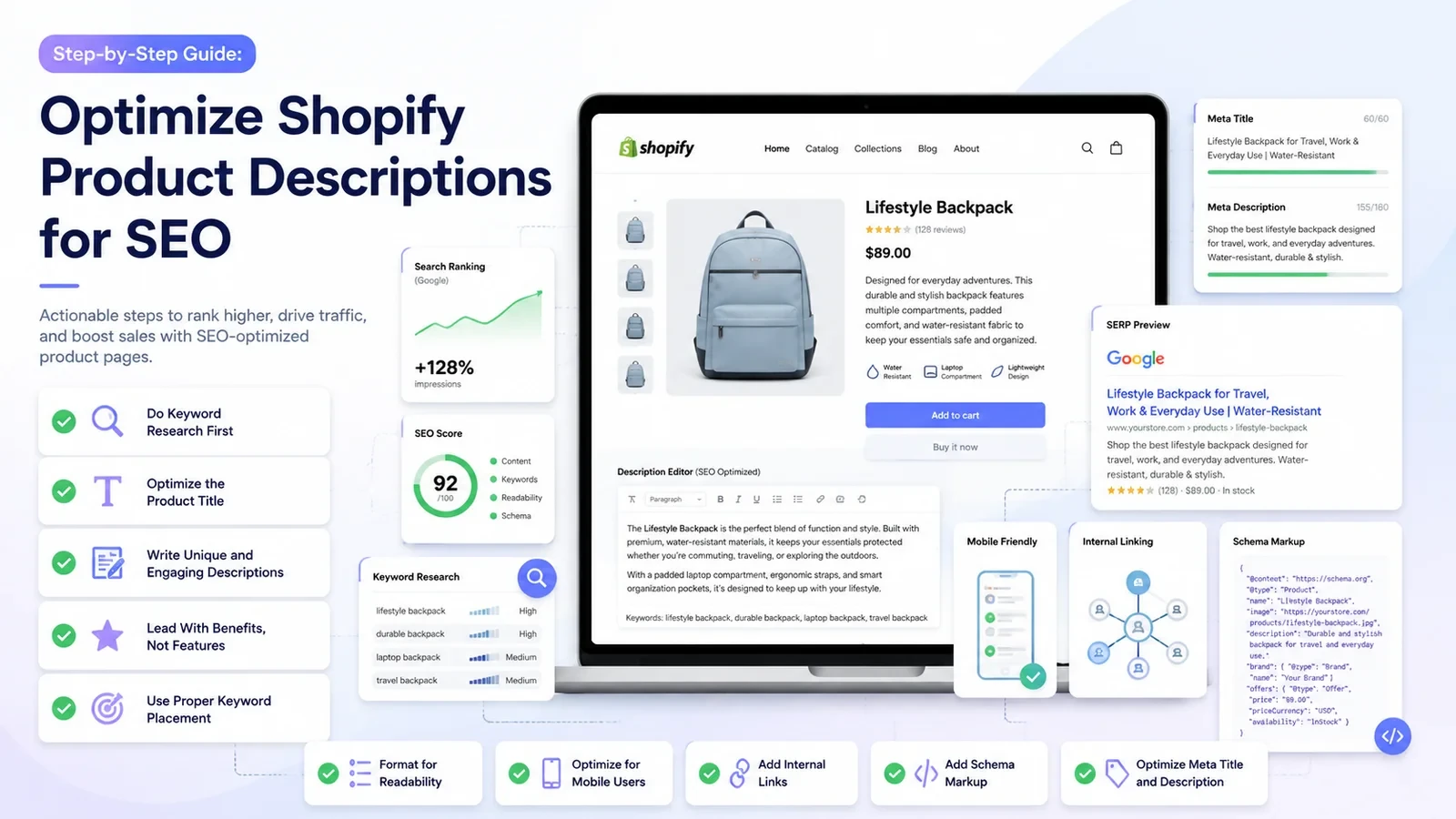
Before you write anything, check what users are searching for. Do not assume; do proper keyword research based on your niche.
On these platforms, you will get real search terms. Then, choose one primary keyword for each product page. Then add 2 to 3 supporting keywords. Now, focus on long-tail keywords. For example, “cotton kurta for women under 1000”. These work better.
Also Read – Shopify SEO Secrets
Your product title is your H1 tag on Shopify. This is the first thing Google reads. It also shapes the first impression for users. Use your main keyword naturally. This is basic Shopify on-page SEO.
Weak: Blue Dress
Strong: Women’s Floral Midi Dress: Breathable Cotton, Sizes XS to 3XL
Most stores fail here. Because copy-paste content kills ranking. Ecommerce product description optimization starts with original writing. Every product needs its own content.
This is core SEO product description practice. Google now checks if your content is solving the problem. Google does not only see keywords.
Read More – SEO vs. SMO
If you explain the features well, you are going to make a good sale. This is key to writing a product description that converts.
Good Shopify SEO tips on keyword placement: put your primary keyword in the first sentence, one subheading, the image alt text, and the meta description. That is enough. Do not repeat again and again. 2 to 3 times in 300 words is enough. That is your complete SEO product description keyword plan.
Add 3 to 5 bullet points after the intro. Keep each line short and easy to read. This helps users read faster. It also supports Shopify on-page SEO. Google prefers structured content. It increases the chances of showing in featured results.
Most of your target audience uses mobile. Around 65% of traffic comes from phones. So keep the content short and optimized.
These Shopify product page optimization tips improve reading and conversion. Also, fast loading matters. If you are facing speed-related issues, you can check our Shopify speed optimization services.
Link your related products in the description. For example, mention matching items with links. This keeps users on your site longer. It also spreads SEO value between pages. Internal linking is simple but powerful. It supports Shopify on-page SEO and improves overall store strength.
Read More – Top SEO and Website Optimization Tools
Schema tells Google what your page has. Like: price, stock, and rating. This helps search results look better. Star ratings and stock info show directly. Many themes add a basic schema. You can use the Google Rich Results tool. Because proper Shopify on-page SEO needs this setup.
Meta title should include the main keyword. Keep it under 60 characters.
Meta description should be 120 to 155 characters. Add benefits and reasons to click.
Use this for any product page:
| Section | What to Write |
| Hook | User’s problem or desire in one sentence. |
| Product intro | What it is and why it helps. 2 to 3 sentences. |
| Key benefits | 3 to 5 bullets. Benefits-first. |
| Features list | Material, size, care. Factual and easy to scan. |
| Social proof | One line with reviews or trust signals. |
| CTA | Add urgency or reassurance like “Ships in 24 hours” or “Only 4 left.” |
Read More – How to Use SEO Monitoring Software
Before: “Blue cotton dress. Available in small, medium, and large. Machine wash.”
After: Beat the heat with our bestselling women’s blue cotton midi dress. Made from 100% breathable organic cotton, it’s designed to keep you cool and comfortable throughout your day.
This is what strong product description examples for eCommerce look like today. Instead of listing features, the improved version has a keyword, a benefit, social proof, size reassurance, and a CTA element. All in four lines.
Also Read – How to Fix a Sudden Ranking Drop in SEO?
The same text on multiple products is a problem. Google does not like repeated content. It can remove your pages from search. Every product needs its own description. You can even make small changes.
Adding the same keyword again and again does not help. It makes the content hard to read. Google also flags this. Keep it natural. Use keywords naturally; do not force them in the content.
Your description should guide the user. If there is no clear next step, people leave. Add a simple push like “Buy Now” or “Order Today.” Do not leave it open.
Most users use their mobile phones. If the text is long and messy, they will not read. Break it into short lines. You can consider our Shopify store rebuild and redesign services to solve such issues.
Read More – How to Use Keywords in Link Building?
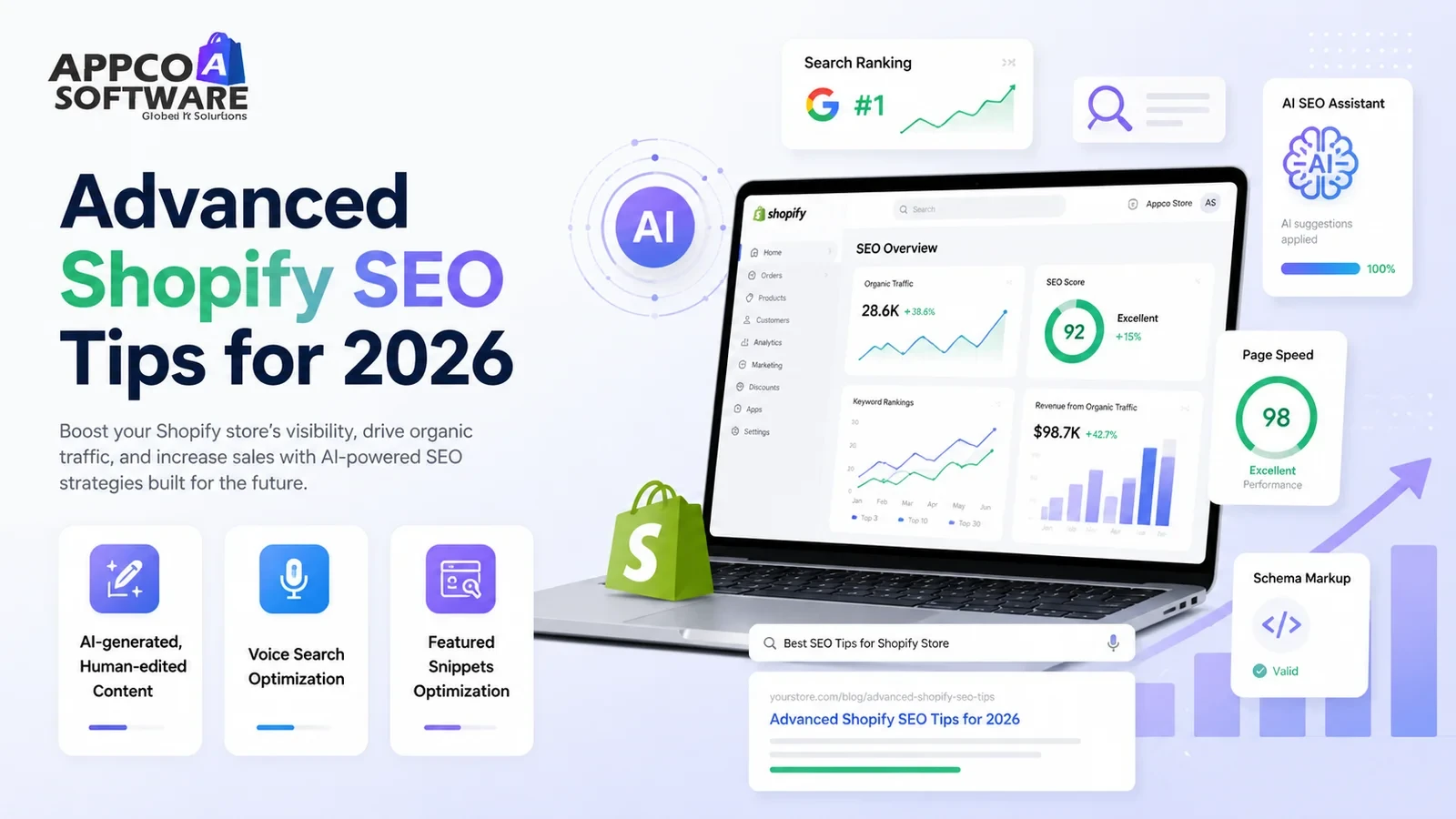
Many brands now use an AI product description generator. Around 75% merchants use it for the first draft. Good for speed. But do not publish directly. You still need to edit. Fix tone, check facts, and place keywords properly.
Now people search by speaking. A Shopify SEO expert in India will tell you this. Write in simple question-answer style. Add a small FAQ below the product description. This helps capture voice searches and keeps users on the page longer.
Short and clear answers work better. Use bullet points. Use numbered steps. Google can select this and show it on top. The same format also helps users read faster.
Our performance marketing services focus on this link. A good product page means better ad results. Lower cost per sale and better returns. Some themes have limits. If you need custom FAQ blocks or content tabs, our Shopify custom app development team can build them exactly how you want.
Before publishing any product page, confirm all of these:
This is your complete product description SEO checklist for every product you publish.
As a trusted Shopify SEO agency in India, we help D2C brands grow through organic traffic. Our focus has always been on these metrics: rank better and reduce dependency on paid ads.
We start with product pages. Our team works on keyword placement, structure, and easy-to-read content. Everything is built for both users and search engines. Now, what we actually do is we audit your current pages. We identify gaps and then revise those weak descriptions. We add the right keywords. We refine headings and layout to ensure pages are clear and readable.
We do not stop at traffic. We focus on conversions. We shape product pages in a way that guides users to take action. Our team also improves store performance. Faster load speed. Better mobile layout and smooth navigation.
We can help you bring the right audience and convert them properly. That is how we reduce wasted ad spend and improve results.
Shopify product description SEO is where traffic and conversion meet. One without the other is not enough. A page that ranks but does not convert is wasted. A page that converts but no one finds is also wasted. So both need to work together.
When all this is done right, stores grow without depending fully on ads. If you want to scale faster, we can help. At Appco Software, we handle all of these things, along with Shopify store development. For more information, you can contact our team here.
Start with keyword research. Choose one focus keyword. Use it in the first 100 words. Then talk about the benefits first. After that, list out the features. Keep it around 150 to 300 words.
Yes, you can. An AI product description generator saves time. It gives a first draft. But do not publish it as it is. You are supposed to edit and fix the tone.
Well, improving conversion with product descriptions happens when users understand quickly. Show benefits early. Add trust like reviews, return policy, and shipping info.
Yes. Google reads your content to understand the page. Thin or duplicate text does not rank. A strong description with proper keywords, good format, and enough detail is going to help you rank higher.
When it comes to keywords, you should take one focus keyword and 7-10 secondary keywords for better ranking.
Error: Contact form not found.

Appco Software has been around for a very long time, helping startups and established brands build iconic websites and apps. For your unique idea to be presented in a beautiful way, contact us now!