
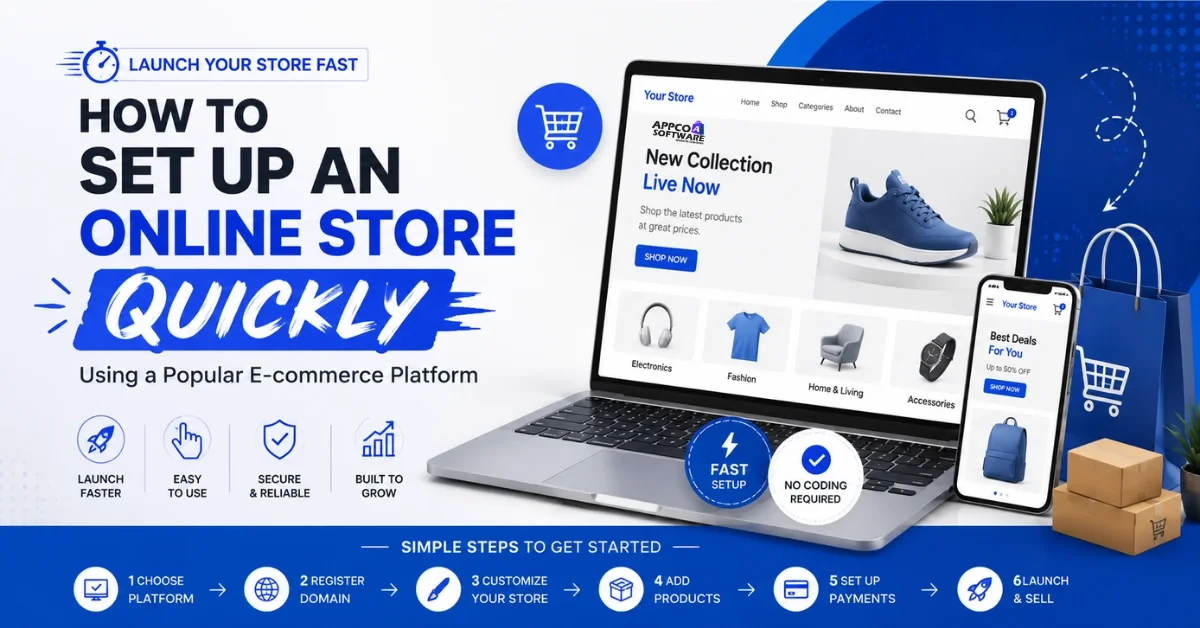
Online shopping has become a new normal these days. A lot of people buy things only. In fact, India currently has around 290-300 million online customers. This is a huge number.
With this in mind, if anyone wants to learn how to set up an online store, here you go. This is the right time to set up an online business. Most people assume an online store setup needs a developer, a server, and months of waiting. It does not work that way anymore.
Shopify and platforms like it get you from idea to live store in days. There is no coding involved for basic stores. On this note, continue reading this online shop setup guide.
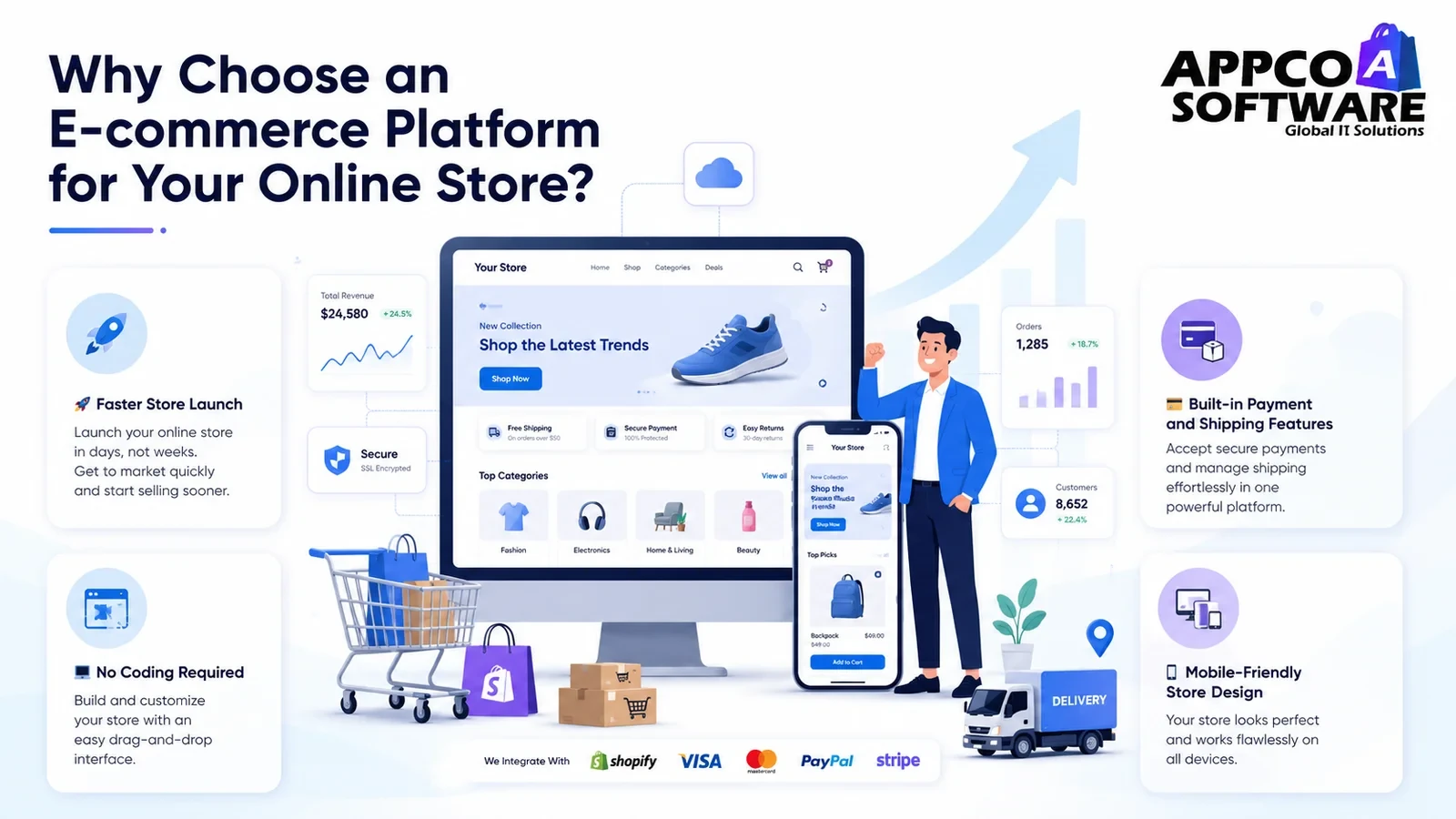
Before you create an online store, check all these things first of all:
In any fair ecommerce platform comparison, Shopify website setup wins on speed and total cost for most beginners. Research backs this up, too. Shopify’s total cost of ownership comes in around 33% lower than competing platforms once you factor in implementation and the maintenance that follows.
And if you already know your store will need custom work somewhere down the line, get a team handling your Shopify store setup from the start.
Your domain is generally the first thing a customer sees, so the extra five minutes here is worth it.
You can register a domain straight through Shopify, or buy one separately on GoDaddy or Namecheap and connect it after. Either way works fine; registering directly just saves a step.
Connecting a domain mostly means updating a few DNS records or clicking “connect domain” inside your store admin panel. No technical background needed for this part.
Pick a theme based on what you are selling, not just what catches your eye. A clothing brand needs strong image galleries. A grocery store needs fast filtering and searching.
For a professional and attractive website, choose two or three brand colors and one or two fonts. This is probably one of the most important parts when designing an online store.
Keep your main menu down to five or six items. A customer should reach any product in two clicks. Avoid designing confusing menus in the first place.
Title, price, variants like size or color, and an accurate stock count; every listing needs these four things at a minimum. And use the words your customers actually type when searching, not whatever naming convention your warehouse runs on.
A person is reading this before Google ever sees it. So talk about the material, when someone would actually use it, and why it beats the next option. Keywords belong in there too, just naturally, not crammed in every other line.
Three or four photos per product at a minimum, one of them showing the product being used. A single blurry photo loses sales that three or four clear ones would have closed.
Sort by how a customer thinks, not how your stockroom is arranged. “Summer Dresses” means something to a customer browsing your store. “SKU Batch 4” means nothing to anyone who does not work there.
Shopify Payments, Razorpay, PayU, and PayPal cover most needs for an Indian audience and an international one. UPI support is not optional if you are selling to Indian customers.
SSL comes automatically on hosted platforms. Add trust badges and a visible return policy link right at checkout; both reduce people abandoning their cart at the last second.
Run at least one real test purchase with a small amount before you open the doors. Check that the order shows up correctly in your dashboard and that the confirmation email arrives.
Decide early whether you are shipping inside India only or going international too. International orders need customs paperwork sorted and longer delivery windows stated clearly upfront.
Flat rate keeps things simple for the customer and works fine when your products are similar in size. Calculated shipping is fairer when product sizes vary a lot, though it adds a small extra step at checkout.
Put your delivery timelines right on the product page and at checkout, not buried three clicks deep in a policy page nobody reads until something goes wrong.
Find out what people type into Google before they land on your page. Even Google’s own autocomplete gives you a decent starting list for free. You don’t need paid tools at all.
Each product page needs its own title, an SEO-friendly description, and alt text on every image. This kind of product page optimization keeps paying off for months after you do it once.
Use optimized, readable URLs like /products/blue-cotton-shirt instead of long auto-generated strings full of random numbers.
Every page needs a meta title under 60 characters and a description under 160. These show up directly in search results and shape whether someone clicks.
Compress your images before upload, do not install ten apps you barely use, and choose a lightweight theme. A proper ecommerce SEO approach treats site speed as a ranking factor, because it is one.
Check your store on your actual phone, not the laptop preview mode. See if buttons are easy enough to tap and the text reads fine without zooming in.
Go through every payment method and make sure it shows up right at checkout. Same with shipping rates, check that they calculate correctly for different locations.
Buy something from your own store. Browse, add to cart, check out, pay, and wait for the confirmation. Whatever friction you run into, resolve it now, before a customer does it for you.
While you are building, the store stays behind a password by default on most platforms. Take that off, and it goes public; that is the actual launch moment.
Push your sitemap through Google Search Console instead of waiting for Google to stumble onto your pages whenever it gets around to it.
Email list first, then social followers, then your WhatsApp groups, and people who already know you. A warm audience on day one almost always converts better than cold strangers finding you by accident.
Here are the most common mistakes you should avoid while setting up your first online store:
| Mistake | Why It Hurts You |
| Product descriptions with unnecessary information | People want answers, not bullet specs, so they left without buying |
| Slow site speed from too many heavy apps | Visitors leave before the page even finishes loading |
| Check out with too many steps or forced signup | Cart abandonment goes up fast when checkout feels like a chore |
| Treating SEO as something to figure out later | You lose months of free organic traffic you can never fully get back |
| Ignoring mobile optimization | Most of your visitors are on a phone right now, not a laptop |
Building a store yourself is fine for a basic start. But if you want it done right the first time, fast load speeds, a real SEO foundation, design that actually converts, that is where a dedicated team makes the difference.
Appco Software handles full Shopify store setup and ecommerce website development for businesses launching fresh or rebuilding what they already have. The team builds custom themes so your store looks like your brand, not a template that a hundred other stores are also using. For businesses that outgrow a standard setup, Shopify Plus development covers high-volume builds with custom checkout logic and automation built in.
Beyond the development itself, we provide Shopify SEO services so the store is structured to rank from launch day, not patched up six months later. And because the work does not end at launch, ongoing support keeps the store improving as the business grows, instead of sitting frozen the way it looked on day one.
It depends on your store’s requirements first of all. Then you need to choose the right eCommerce website builder that will also cost you monthly, yearly, or one-time.
Shopify is one of the best ecommerce platforms for beginners. You skip the coding, hosting is already sorted, and you are not stuck learning WooCommerce or fighting through a custom build for weeks.
Yep. You can create an online store without writing a single line of code. With just drag and drop, you can build a basic store.
Three to five days if you are keeping it simple. For a custom design with a bunch of integrations, 2-4 weeks are required.
You need a domain, product photos, a payment gateway, shipping rules sorted, and some kind of return policy written out.
Error: Contact form not found.

Appco Software has been around for a very long time, helping startups and established brands build iconic websites and apps. For your unique idea to be presented in a beautiful way, contact us now!