
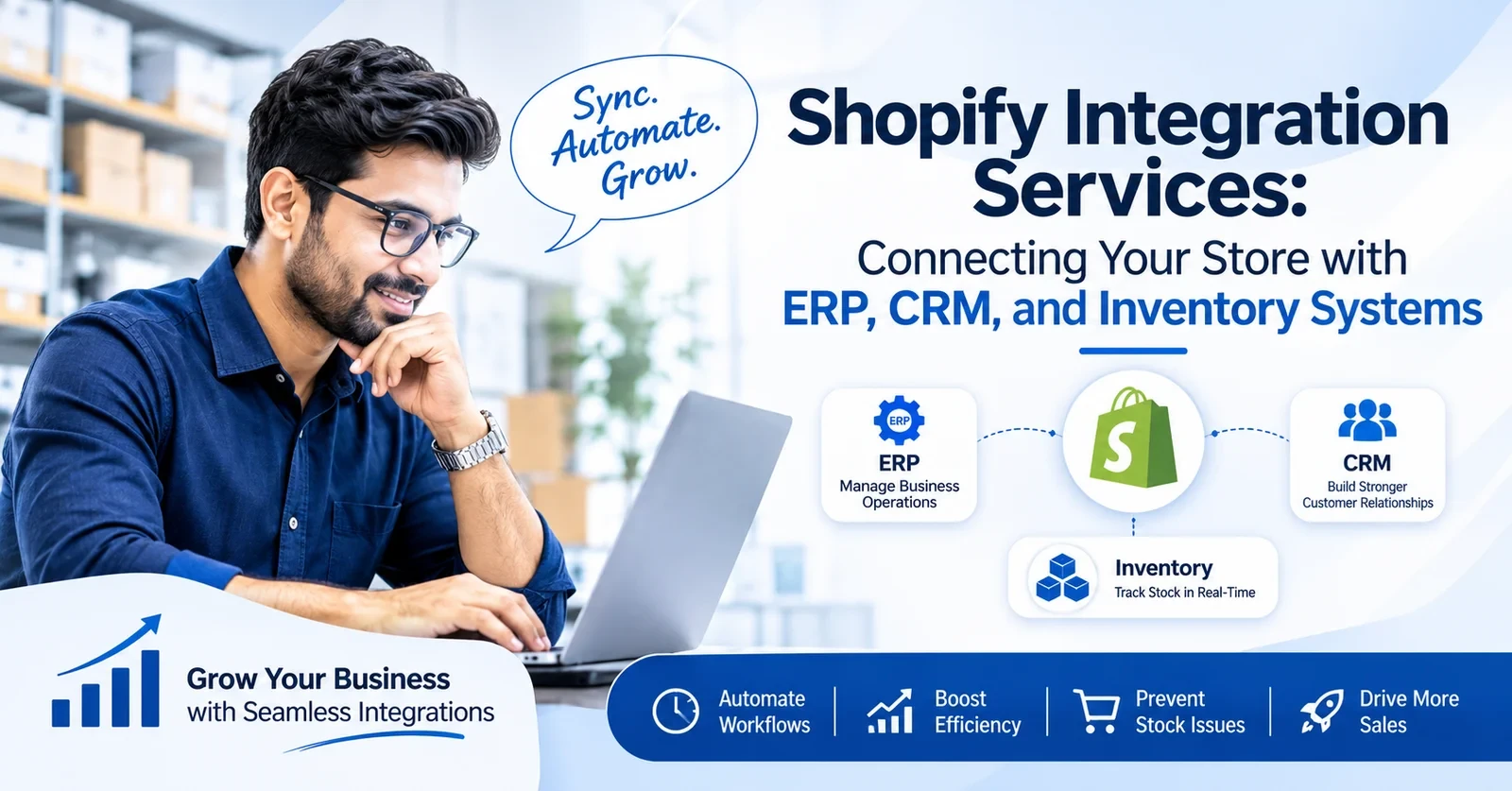
Shopify integration services connect your Shopify store with the other software you are using, like ERP or CRM. Every time a customer buys something, the order goes into your ERP on its own. Your stock on Shopify also gets updated with it, and nobody from your team has to sit and type it.
Connecting the two systems is the easy part, and any ready app can do it for you. The problem is not the connection, but the problem is that nobody decides which system will keep the final stock count. So both systems keep changing the same number, and you come to know about it only when a customer pays for a product which is not even there.
In that case, a proper setup is needed, either a better connector or Shopify custom app development. In this guide, we explain what you can connect and how to assign each data type an owner, and our team is one message away when you are ready.
Shopify integration services plan and build the links between Shopify and your other software. They also keep those links healthy after launch. An order can travel from your store to the ERP, and a stock update can travel back.
The data goes back and forth in two ways. Shopify’s Admin API lets another system read data from Shopify or send changes to it. Webhooks do the reverse, because Shopify sends a message the moment something happens, like a new order or a refund. Every Shopify third-party integration runs on some mix of the two.
So when do you need outside help? A store with standard needs can normally manage with an app. Expert help makes sense when your systems need custom rules, or when two apps fight over the same data. That second issue is one of the common Shopify store challenges we see when a store adds tools without a plan.
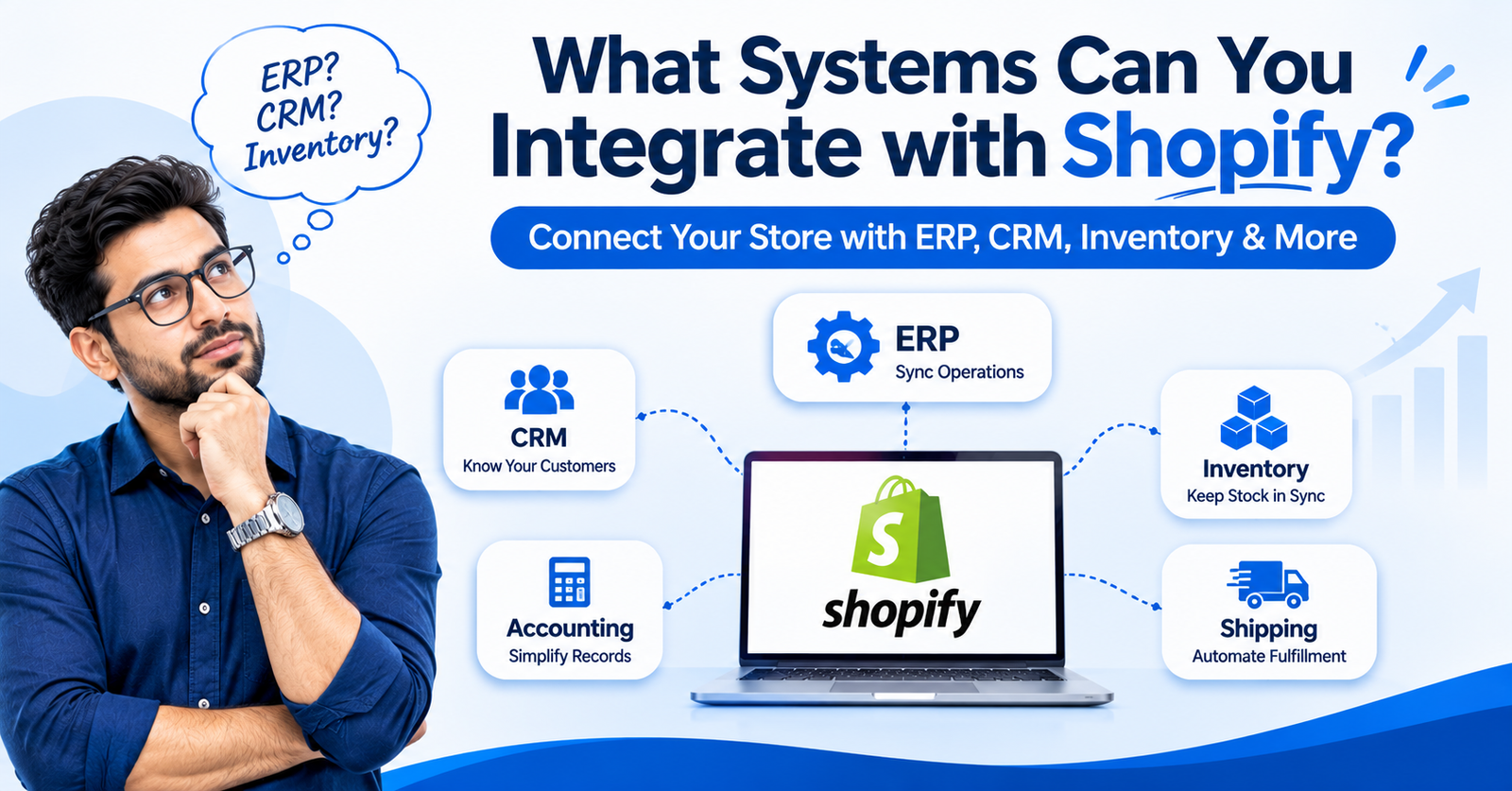
You can integrate Shopify with almost any business tool, as long as that tool has an API. But not every connector does the same job, and your Shopify plan also decides a few things. So read the connector’s docs first and choose it after that.
A Shopify ERP integration connects your store with an ERP like NetSuite, Microsoft Dynamics 365, or Acumatica. When an order comes in on Shopify, it goes straight into the ERP, and the stock and prices come back to your store. Microsoft’s Business Central has its own Shopify connector, and it syncs products and customers both ways. But it runs only on the online version, so if your ERP is on your own servers, you need a different way.
A Shopify CRM integration sends your customer details and order history to a CRM like HubSpot or Salesforce. Your sales team then knows what a customer bought, without asking someone to check Shopify. The connection is the easy part. The problem comes when Shopify matches a customer by email and your CRM matches by phone, because the same person shows up two times. In that case, your team calls the same customer twice, so decide on one matching rule on day one.
Shopify inventory integration keeps the stock count in Shopify the same as your inventory software and warehouse. Without it, a product finishes in the warehouse, but your store still shows it in stock. Then a customer pays for it, and you have to cancel that order and say sorry. This problem gets bigger if you are checking Shopify vs marketplaces, because the same shelf sells on both. And one more thing, Shopify counts some dropshipping and 3PL apps as locations, and your plan allows only a limited number of them.
Tools like QuickBooks Online and Xero can receive order totals and refunds from Shopify. Payouts from Shopify Payments can flow in too, which saves your accountant from matching bank deposits by hand.
A shipping integration sends paid orders to your courier or warehouse, and it brings tracking numbers back into Shopify. For Indian stores, this link also carries COD status and returned parcels. Read our guide on RTO and COD in ecommerce before you set rules for returns.
Your Shopify store needs integration when manual work starts slowing your orders down. Every morning, someone exports the orders and types them into the ERP, and we all think it is fine because the job gets done. One wrong SKU and the wrong product ships, and the reship eats your margin. It is one of the ecommerce challenges Indian brands face as they grow.
A Shopify order management integration ends this daily export, and your stock count matches too, so you cancel fewer orders. Some apps update stock the same second, and some update it only on a fixed schedule. So check this before you pay.
To integrate Shopify with ERP, CRM, or inventory software, start with the business problem and end with close tracking. We follow these steps on every project.
| Data | Owner | Sync direction |
| Product titles and descriptions | Shopify | Shopify to ERP |
| Cost price and stock | ERP | ERP to Shopify |
| Orders and refunds | Shopify | Shopify to ERP |
| Sales notes | CRM | CRM only |
| Tracking numbers | Warehouse or 3PL | Warehouse to Shopify |
Choosing between these two points depends on your current situation. For example, an app is better for standard needs, and a custom Shopify API integration is better when your workflow is unusual.
| Factor | Integration app | Custom API integration |
| Setup | Often simpler | Needs development |
| Cost | App subscription | Depends on scope |
| Custom workflows | Supported features only | Built around your rules |
| Upkeep | App provider | Your own tech support |
| Best for | Standard needs | Complex workflows |
Shopify integration services in India can cost anywhere from ₹15,000 to ₹15,00,000 or more upfront. A simple app setup comes near the lower end, and a custom development with your ERP and many other systems goes toward the top.
Shopify’s GraphQL Admin API limits how much data an app can request each second. The limit is 100 points on standard plans, 200 on Advanced, and 1,000 on Shopify Plus. A big catalogue on a lower plan needs smarter batching, which adds build time. For a figure on your own setup, share your integration needs with Appco Software and we will scope it properly.
On launch day everything runs fine, so we all think the job is done. The problems come a few weeks later, when a sale brings more orders.
Connect your ERP, CRM, and inventory systems with Shopify to automate operations, reduce manual work, and grow your business efficiently.
You should hire a Shopify integration development company when doing things by hand starts costing you more than the development itself. In the early days, every one of us manages orders on our own, and it goes fine. But when orders grow, the same manual work starts eating your time and your money, and you do not even notice it. In that case, a development company’s help is needed.
Signs your store needs expert help
Linking business tools is hard to manage while you also run a store, and that is where we come in. Since 2013, Appco Software has worked as a Jaipur Shopify Partner agency for growing ecommerce brands.
We work in the same order as this guide. First, we study your systems and build the data ownership table with your team. Then we choose the approach, from a connector to Shopify custom app development, and map every field before writing code.
Testing comes next, with real refunds and multi-location stock. After launch, our Shopify automation services cover error alerts and a reconciliation job, so a missed webhook gets caught before a customer notices.
As a Shopify development company in Jaipur, we also manage store development and Shopify SEO. Appco Software services keep your integrations and your storefront growing together.
Shopify integration services connect your store with tools like an ERP or a CRM. Your team stops copying orders and stock from one system to another by hand.
An ERP system like NetSuite or Dynamics 365 can integrate with Shopify. Some ERPs have their own Shopify connector also, and for the others we use middleware or a custom build.
Your CRM connects with Shopify through the CRM company’s own app in many cases. So basically, start with that app, and go for a custom build only when you really need your own customer matching rules.
Apps and API integration differ mainly in setup. You install an app yourself, but an API integration is built for your own workflow, and for that you need a developer.
The cost of a Shopify integration depends on how many systems you connect and whether data goes one way or both ways. Like, one call with us about your setup gives you an estimated budget.
The time a Shopify integration takes depends on the approach. An app goes live in days, but an ERP build needs weeks.
A Shopify store needs custom integration development when no app supports its workflow, or the current setup keeps breaking. In that case, all the workarounds cost you more than a proper build.
Error: Contact form not found.